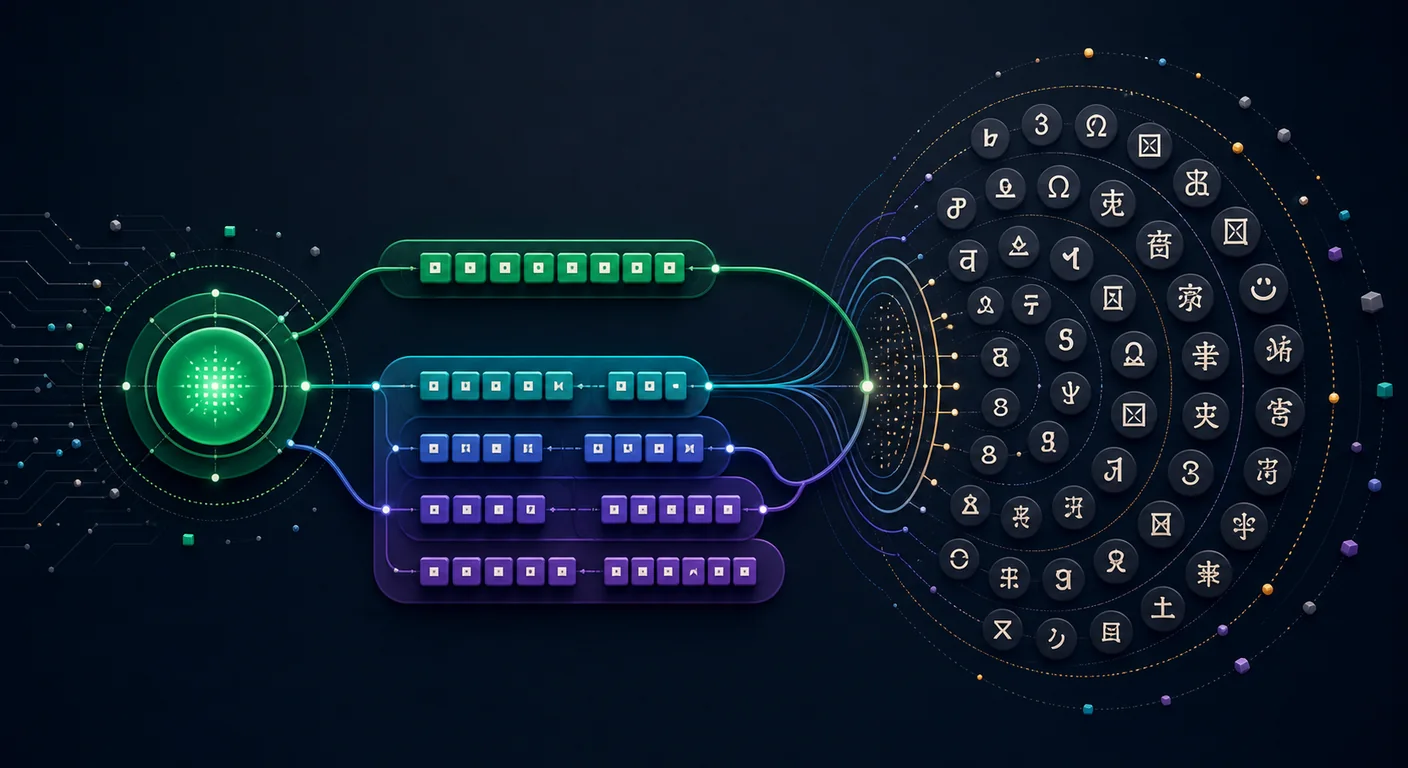
Mojibake such as é appears when software decodes a byte sequence with the wrong character encoding. Replacement marks such as � indicate that a decoder could not map part of the input under its selected rules.
This guide separates three concepts that are often conflated: ASCII, the Unicode coded character set, and UTF-8. It also covers UTF-16, legacy single-byte encodings, conversion, and the limits of encoding detection.
What Is Character Encoding?
A character encoding maps text elements to code values and byte sequences. In ASCII, A has decimal value 65, or 41 in hexadecimal.
Different encodings can assign different meanings to the same byte. Producers and consumers therefore need to agree on the encoding through a protocol, file format, or explicit label.
What Is ASCII?
ASCII (American Standard Code for Information Interchange) maps 128 characters and controls to values 0–127 using 7 bits. The first edition was published in 1963.
What ASCII Includes
| Range | Characters | Count |
|---|---|---|
| 0–31 | Control characters (newline, tab, null) | 32 |
| 32–126 | Printable characters (letters, digits, symbols) | 95 |
| 127 | DEL (delete) | 1 |
That gives you:
- 26 uppercase letters (A–Z): codes 65–90
- 26 lowercase letters (a–z): codes 97–122
- 10 digits (0–9): codes 48–57
- 33 space and punctuation codes
- 33 control characters (most are legacy)
The complete ASCII table lists every code. The bytes 48 65 6C 6C 6F decode to Hello.
ASCII's Limitation
ASCII supports basic English letters, digits, punctuation, and control functions. It does not contain accented letters, non-Latin scripts, or emoji.
Extended ASCII is an informal label for incompatible 8-bit encodings that reuse byte values 128–255 differently. Windows-1252, Mac Roman, and ISO-8859-1 are separate encodings, not extensions defined by the ASCII standard. The same byte can therefore mean a different character in each one.
What Is Unicode?
Unicode addresses the "too many incompatible encoding tables" problem. Instead of being a byte encoding itself, Unicode defines a coded character repertoire: assigned characters receive unique numbers called code points. It covers a broad and growing set of modern, historic, technical, and symbolic writing needs, but it does not claim to encode every possible mark or writing system.
How Unicode Works
Each character gets a code point written as U+ followed by a hex number:
| Character | Code Point | Name |
|---|---|---|
| A | U+0041 | Latin Capital Letter A |
| é | U+00E9 | Latin Small Letter E with Acute |
| 你 | U+4F60 | CJK Unified Ideograph |
| 🔥 | U+1F525 | Fire Emoji |
| ∞ | U+221E | Infinity |
Unicode 17.0 defines 159,801 graphic and format characters. The Unicode Consortium's supported-scripts inventory lists 172 scripts in that release, alongside symbols, punctuation, emoji characters, and other encoded collections.
Unicode Is Not an Encoding
This is the key distinction most people miss. Unicode defines which number maps to which character. It doesn't define how those numbers are stored as bytes. That's the job of encoding formats like UTF-8, UTF-16, and UTF-32.
Think of Unicode as the dictionary and UTF-8 as the handwriting style you use to write from that dictionary.
What Is UTF-8?
UTF-8 (Unicode Transformation Format – 8-bit) is the dominant encoding on the web. The HTML standard recommends UTF-8, but authors must still declare the document encoding; an HTML5 doctype alone does not make an undeclared page UTF-8. JSON exchanged between systems that are not part of a closed ecosystem must use UTF-8. Applications should declare and validate the encoding at every byte boundary.
How UTF-8 Works
UTF-8 is a variable-length encoding. It uses 1 to 4 bytes per character, depending on the code point:
| Code Point Range | Bytes | Bit Pattern | Example |
|---|---|---|---|
| U+0000 – U+007F | 1 | 0xxxxxxx |
A → 41 |
| U+0080 – U+07FF | 2 | 110xxxxx 10xxxxxx |
é → C3 A9 |
| U+0800 – U+FFFF | 3 | 1110xxxx 10xxxxxx 10xxxxxx |
你 → E4 BD A0 |
| U+10000 – U+10FFFF | 4 | 11110xxx 10xxxxxx 10xxxxxx 10xxxxxx |
🔥 → F0 9F 94 A5 |
Four properties explain UTF-8's broad use:
- Backward compatible with ASCII. Any valid ASCII text is also valid UTF-8, byte for byte.
- Self-synchronizing. You can jump into the middle of a byte stream and find the start of the next character by looking at the bit patterns.
- No byte-order issues. Unlike UTF-16, there's no endianness ambiguity.
- Space efficient for Latin text. English content uses exactly the same space as ASCII.
UTF-8 Encoding Example: Step by Step
Let's encode the character é (U+00E9) into UTF-8:
- Code point:
0x00E9=0000 0000 1110 1001in binary - Falls in range U+0080–U+07FF → needs 2 bytes
- Template:
110xxxxx 10xxxxxx - Fill in the bits:
110 00011 10 101001 - Result:
0xC3 0xA9
You can verify this with the hex to ASCII converter at hextoascii.co — input C3 A9 in UTF-8 mode and you'll see é.
ASCII vs UTF-8 vs Unicode: Key Differences
| Feature | ASCII | Unicode | UTF-8 |
|---|---|---|---|
| Type | Encoding + character set | Character set (catalog) | Encoding (for Unicode) |
| Characters | 128 | 159,801 graphic and format characters in Unicode 17.0 | Encodes every valid Unicode scalar value |
| Bytes per scalar value | 1 | N/A (it's not an encoding) | 1–4 |
| English text size | Baseline | — | Same as ASCII |
| CJK text size | Can't represent | — | 3 bytes per character |
| Emoji support | ❌ | ✅ | ✅ (individual scalar values commonly use 3–4 bytes; sequences use more) |
| ASCII compatible | — | — | ✅ |
| Web usage | Legacy/basic subset | Character repertoire standard | Dominant declared encoding |
| Year created | 1963 | 1991 | 1993 |
When to Use What
- ASCII: Use it when a legacy system or protocol explicitly requires ASCII and reject input outside its 0–127 range.
- UTF-8: Use it as the interoperable default for modern web pages, APIs, databases, and many file formats. Declare it explicitly at byte boundaries.
- UTF-16: Windows internals, Java strings, JavaScript strings (internally). You'll encounter it, but you rarely need to choose it.
- UTF-32: Almost never in practice. Fixed 4 bytes per character. Simple but wasteful.
Other Encoding Formats Worth Knowing
Latin-1 (ISO 8859-1)
A single-byte encoding that preserves ASCII assignments for bytes 0–127 and defines additional Latin characters and controls for bytes 128–255. It still appears in older data and protocol contexts but cannot represent most writing systems.
Windows-1252
A Microsoft single-byte encoding closely related to ISO-8859-1. It assigns printable characters such as curly quotes, dashes, and the euro sign to positions where ISO-8859-1 has controls. Under the WHATWG Encoding Standard, labels such as iso-8859-1 are decoded as Windows-1252 for web compatibility.
UTF-16
Uses 2 or 4 bytes per character. Characters in the Basic Multilingual Plane (U+0000–U+FFFF) use 2 bytes. Others use surrogate pairs (4 bytes). Used internally by Java, JavaScript, and Windows.
| Encoding | English A |
Chinese 你 |
Emoji 🔥 |
|---|---|---|---|
| UTF-8 | 41 (1 byte) |
E4 BD A0 (3 bytes) |
F0 9F 94 A5 (4 bytes) |
| UTF-16 | 00 41 (2 bytes) |
4F 60 (2 bytes) |
D8 3D DD 25 (4 bytes) |
| UTF-32 | 00 00 00 41 (4 bytes) |
00 00 4F 60 (4 bytes) |
00 01 F5 25 (4 bytes) |
Base64
Base64 is a binary-to-text encoding, not a character encoding. Standard Base64 uses A–Z, a–z, 0–9, +, and /, plus = padding where required. Because +, /, and = need special handling in some URLs and filenames, RFC 4648 defines the distinct base64url alphabet, which replaces + and / with - and _.
Practical Guide: Estimating and Converting Encodings
Prefer a protocol declaration, file specification, HTTP header, or byte-order mark over statistical detection. A detector can rank plausible encodings, but it cannot recover missing metadata with certainty. Short ASCII-only samples are compatible with many encodings.
Python
# chardet proposes a candidate; it does not prove the encoding
import chardet

with open('mystery_file.txt', 'rb') as f:
    raw = f.read()
    result = chardet.detect(raw)
    print(result)
    # {'encoding': 'utf-8', 'confidence': 0.99, 'language': ''}

candidate = result.get('encoding')
if not candidate or result.get('confidence', 0) < 0.80:
    raise ValueError('encoding remains uncertain')

# Validate the candidate with strict decoding and domain knowledge
text = raw.decode(candidate, errors='strict')
utf8_bytes = text.encode('utf-8')

# Manual encoding/decoding
'Hello'.encode('ascii')     # b'Hello'
'café'.encode('utf-8')      # b'caf\xc3\xa9'
'café'.encode('latin-1')    # b'caf\xe9'
b'\xc3\xa9'.decode('utf-8') # 'é'

# Get code points
[hex(ord(c)) for c in 'Hello 🔥']
# ['0x48', '0x65', '0x6c', '0x6c', '0x6f', '0x20', '0x1f525']
JavaScript
// Encode string to UTF-8 bytes
const encoder = new TextEncoder(); // Always UTF-8
const bytes = encoder.encode('café');
console.log([...bytes].map(b => b.toString(16)));
// ['63', '61', '66', 'c3', 'a9']

// Decode bytes back to string
const decoder = new TextDecoder('utf-8');
const text = decoder.decode(new Uint8Array([0xc3, 0xa9]));
console.log(text); // 'é'

// Web-platform labels such as iso-8859-1 decode as Windows-1252
const latin1 = new TextDecoder('iso-8859-1');
console.log(latin1.decode(new Uint8Array([0xe9]))); // 'é'

// Get code point
'🔥'.codePointAt(0).toString(16); // '1f525'

// Convert hex to text (what hextoascii.co does)
function hexToText(hex) {
  const bytes = hex.match(/.{2}/g).map(b => parseInt(b, 16));
  return new TextDecoder().decode(new Uint8Array(bytes));
}
hexToText('48656c6c6f'); // 'Hello'
Command Line
# Check file encoding
file -bi document.txt
# text/plain; charset=utf-8

# Convert encoding with iconv
iconv -f WINDOWS-1252 -t UTF-8 input.txt > output.txt

# List supported encodings
iconv -l

# Convert and strip invalid characters
iconv -f UTF-8 -t ASCII//TRANSLIT input.txt > ascii_output.txt

# Hex dump to see actual bytes
xxd document.txt | head
# 00000000: 4865 6c6c 6f20 776f 726c 640a  Hello world.
Common Encoding Errors and How to Fix Them
Mojibake
Symptom: é instead of é, â€" instead of —
Cause: UTF-8 bytes decoded as Latin-1 or Windows-1252.
Fix:
# The string was decoded wrong — re-encode as Latin-1, decode as UTF-8
broken = "café"
fixed = broken.encode('latin-1').decode('utf-8')
print(fixed)  # "café"
Question Marks (???)
Symptom: Characters replaced with ? or � (U+FFFD replacement character).
Cause: The decoder couldn't map the bytes to any valid character in the target encoding — often ASCII trying to handle UTF-8 multi-byte sequences.
Fix: Ensure your pipeline uses UTF-8 end-to-end. Check database collation, HTTP headers, and file read/write modes.
BOM (Byte Order Mark) Issues
Symptom: Invisible  at the start of a file, or JSON parsing fails on a valid-looking file.
Cause: The file starts with a UTF-8 BOM (EF BB BF). Some editors add it; most parsers don't expect it.
Fix:
# In Python, utf-8-sig consumes a leading BOM if present
with open('file.txt', 'r', encoding='utf-8-sig') as f:
    content = f.read()
Double Encoding
Symptom: é shows up even when you set UTF-8 everywhere.
Cause: Text was encoded to UTF-8, then the resulting bytes were encoded to UTF-8 again. The é byte C3 A9 got treated as two Latin-1 characters (Ã and ©) and each got re-encoded.
Fix:
double_encoded = "café"
# Reverse the double encoding
fixed = double_encoded.encode('latin-1').decode('utf-8')
Best Practices
- Default new text systems to UTF-8 unless an existing protocol, file format, or integration explicitly requires another encoding.
- Declare your encoding. Set
<meta charset="UTF-8">in HTML. Emit interoperable JSON as UTF-8 with theapplication/jsonmedia type. - Don't mix encodings. A producer and consumer using different encodings can produce mojibake or decoding failures.
- Store as Unicode, encode at the boundary. Keep strings as native Unicode objects in memory. Only encode/decode when reading from or writing to bytes (files, network, databases).
- Use tools. When in doubt, paste your hex bytes into hextoascii.co and see what comes out. Check file encodings with
file -bibefore processing.
FAQ
What is the difference between ASCII and UTF-8?
ASCII is a 7-bit encoding that defines 128 characters (English letters, digits, punctuation, and controls). UTF-8 is a variable-length encoding for Unicode scalar values. It is backward compatible with ASCII: every ASCII byte sequence is also valid UTF-8 with the same interpretation.
Is Unicode the same as UTF-8?
No. Unicode is a character catalog — a master list of characters and their code points. UTF-8 is one way to encode those code points as bytes. UTF-16 and UTF-32 are other encoding formats for Unicode. When people say "Unicode," they often mean UTF-8, but they're technically different things.
Why is UTF-8 the most popular encoding?
UTF-8 is widely used because it preserves ASCII byte sequences, is space-efficient for Latin scripts, is self-synchronizing, and has no byte-order variants. It is the recommended encoding for HTML and the required interoperable encoding for JSON outside closed ecosystems, but software should still declare it rather than rely on detection.
Can ASCII represent emojis?
No. ASCII only covers 128 characters. Emoji characters occur in several Unicode blocks, including some below U+1F000. In UTF-8 an individual emoji scalar value commonly uses 3 or 4 bytes, while variation selectors, skin-tone modifiers, flags, and ZWJ emoji can form multi-scalar sequences that use more.
How do I check what encoding a file uses?
Check format metadata, HTTP headers, and byte-order marks first. Commands such as file -bi filename.txt and libraries such as chardet make heuristic guesses; treat their labels and confidence values as evidence, not proof. Validate a candidate with strict decoding and a sample whose expected language or structure you know. A hex dump can reveal a BOM or invalid byte sequence but cannot identify every encoding uniquely.
What causes mojibake (garbled text)?
Mojibake happens when text encoded in one format is decoded in another. The most common case: UTF-8 bytes decoded as Latin-1 or Windows-1252. For example, é (UTF-8: C3 A9) decoded as Latin-1 becomes é. Use the hex to ASCII converter to inspect the actual bytes and identify the correct encoding.
Should I use UTF-8 or UTF-16 for my database?
UTF-8 is the interoperable default for most databases and web APIs. Choose the database's native Unicode type and collation first; its internal storage may not match its client encoding. UTF-16 can be appropriate when a platform API or existing file format requires it, but character mix alone is not enough reason to change an established encoding.
How do I convert between encodings?
In Python: text.encode('utf-8') and bytes.decode('latin-1'). On the command line: iconv -f WINDOWS-1252 -t UTF-8 input.txt > output.txt. In JavaScript: use TextEncoder and TextDecoder. For quick hex-to-text conversion, use hextoascii.co.